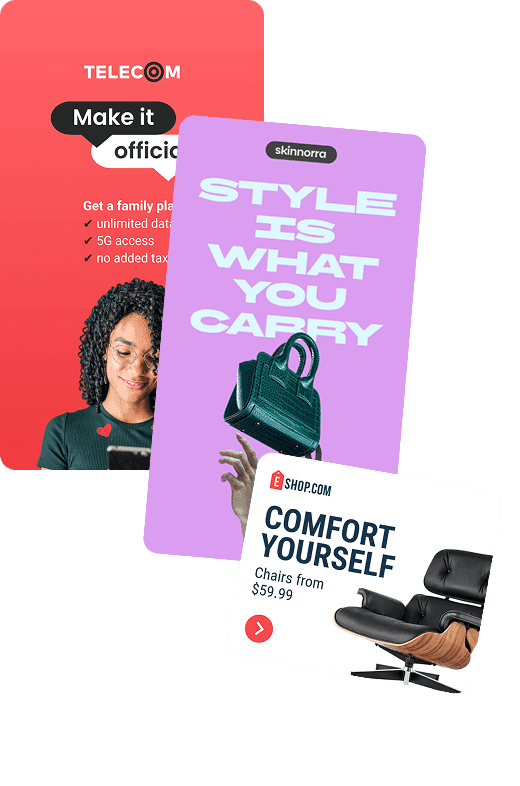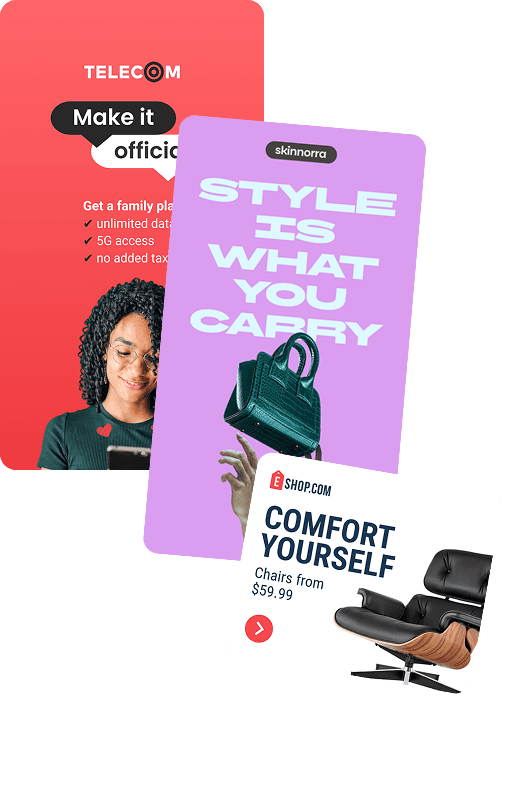
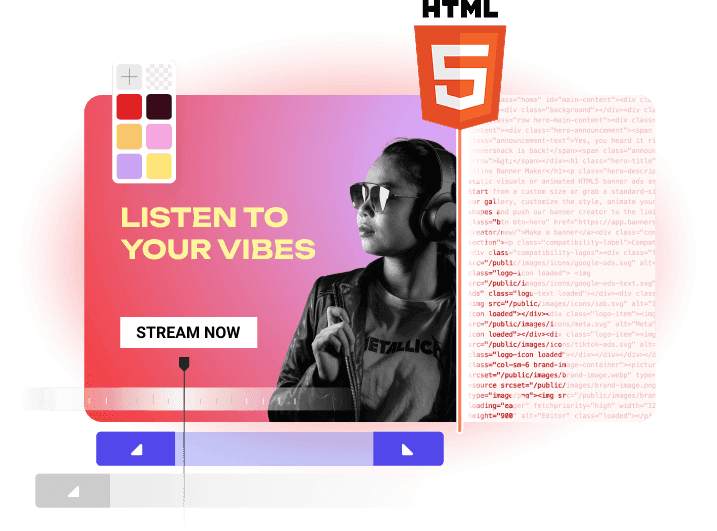
A banner maker is an online design tool that lets you combine text, images, and graphics to create custom banners for websites, digital ads, and social media.





VISUAL EDITOR
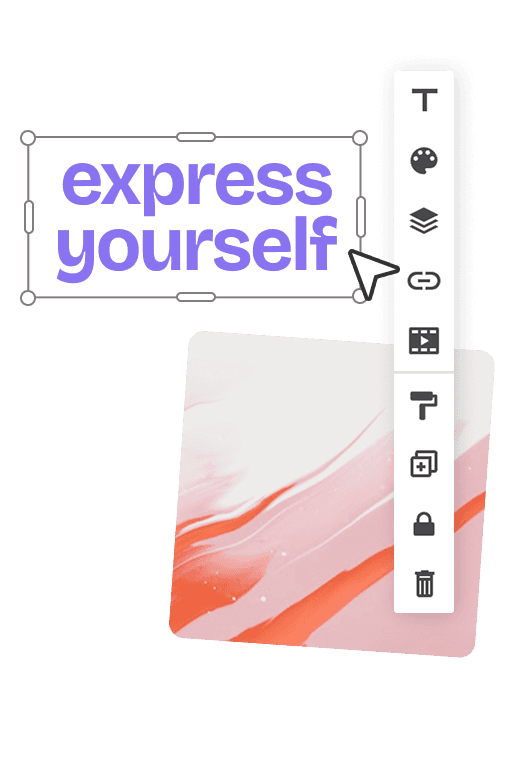
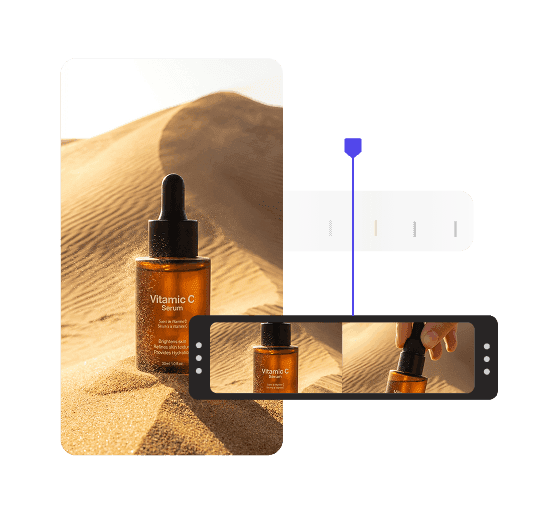
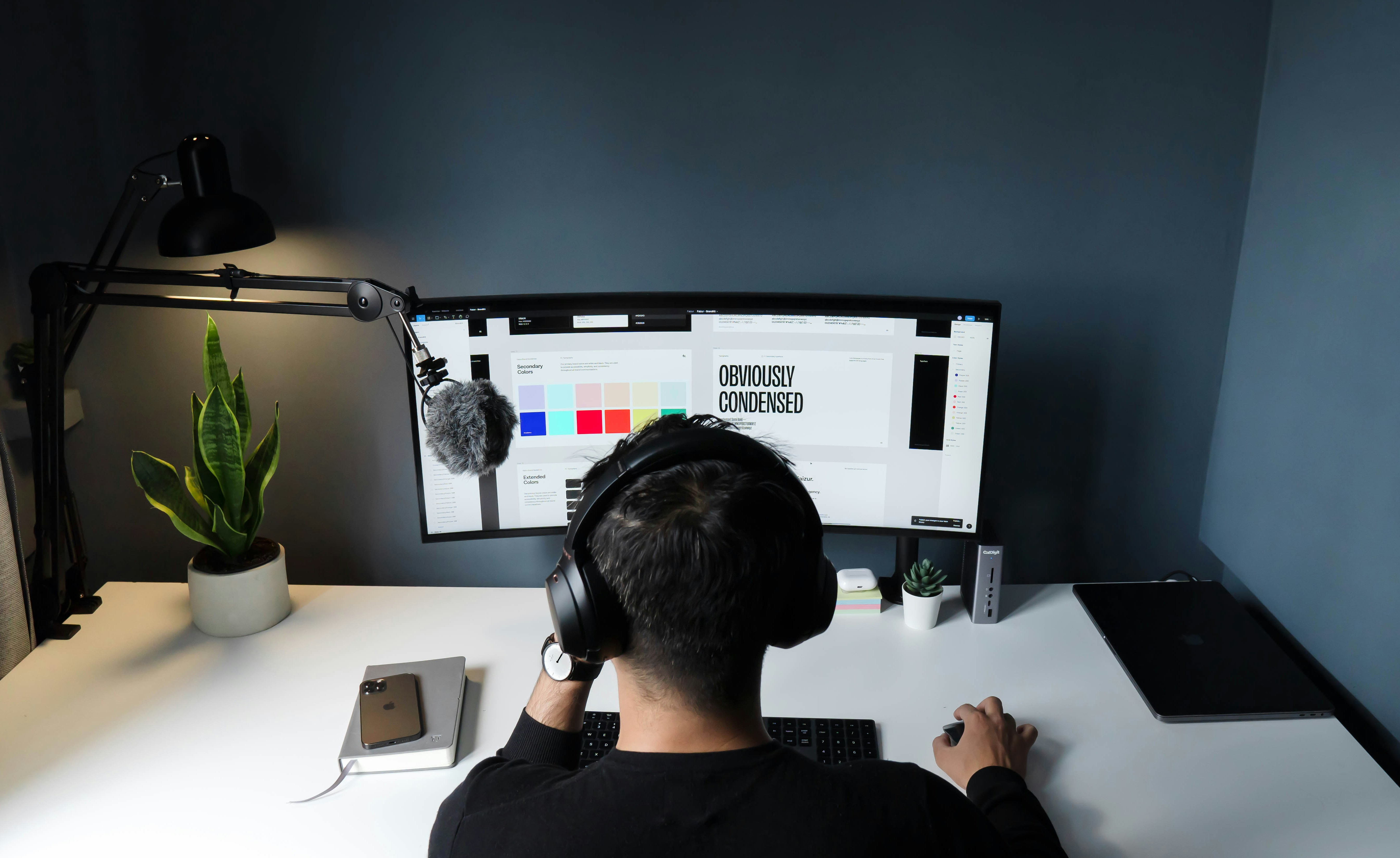
Build ads in your browser
No app to install. Open a project and start working right away.





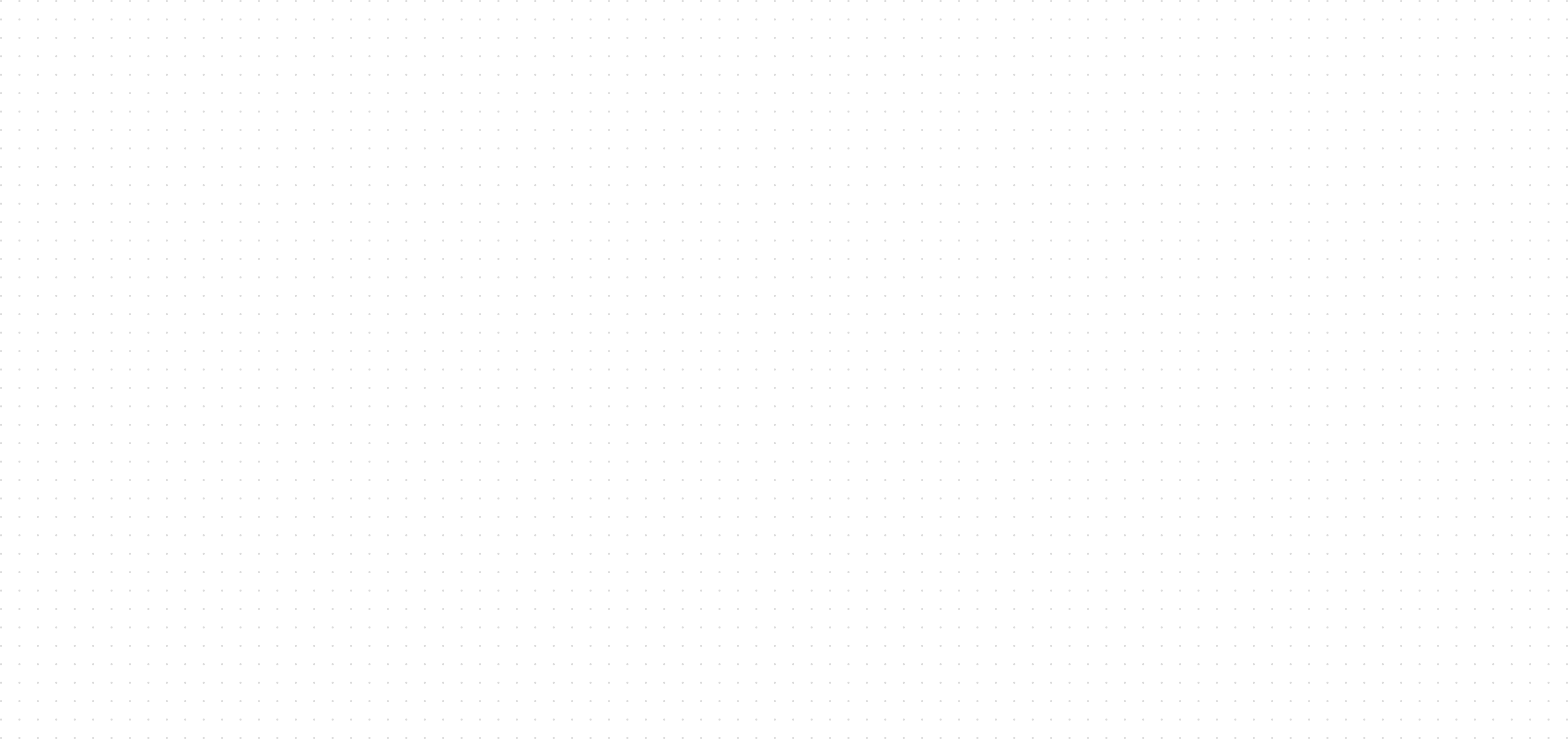
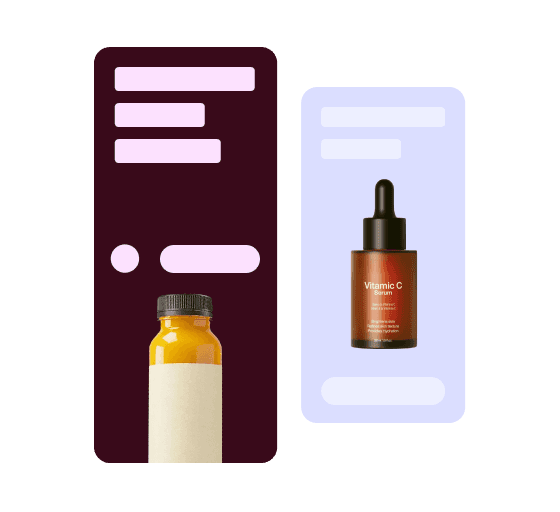
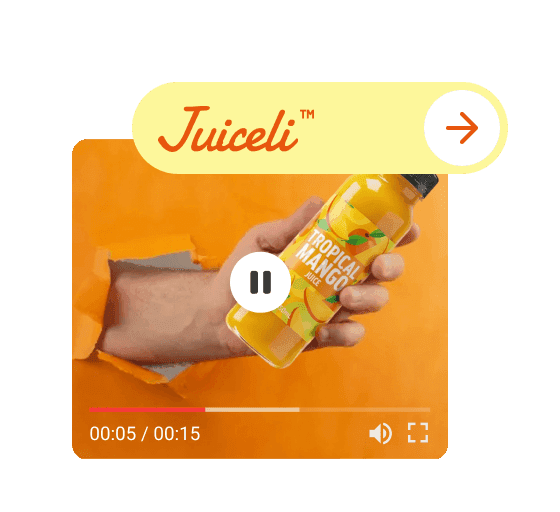
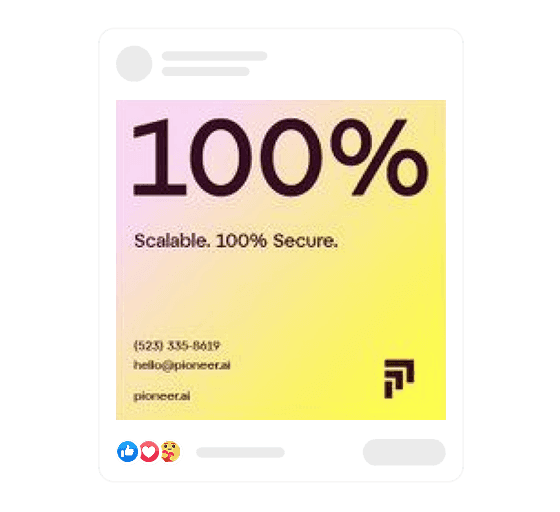




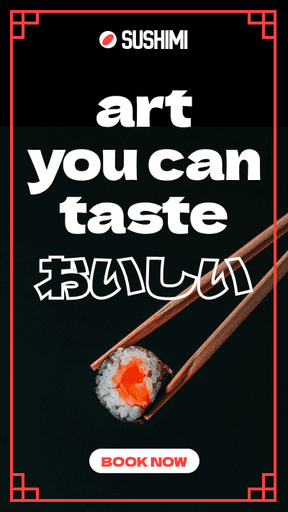



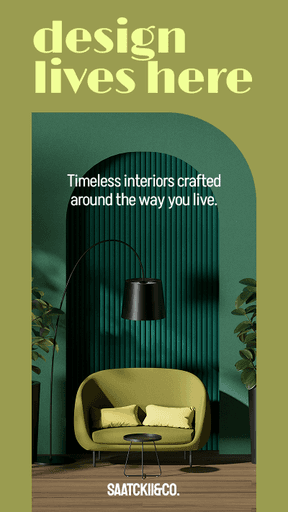
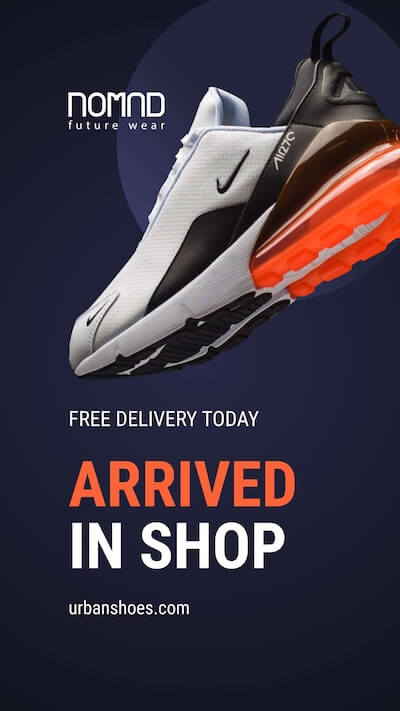
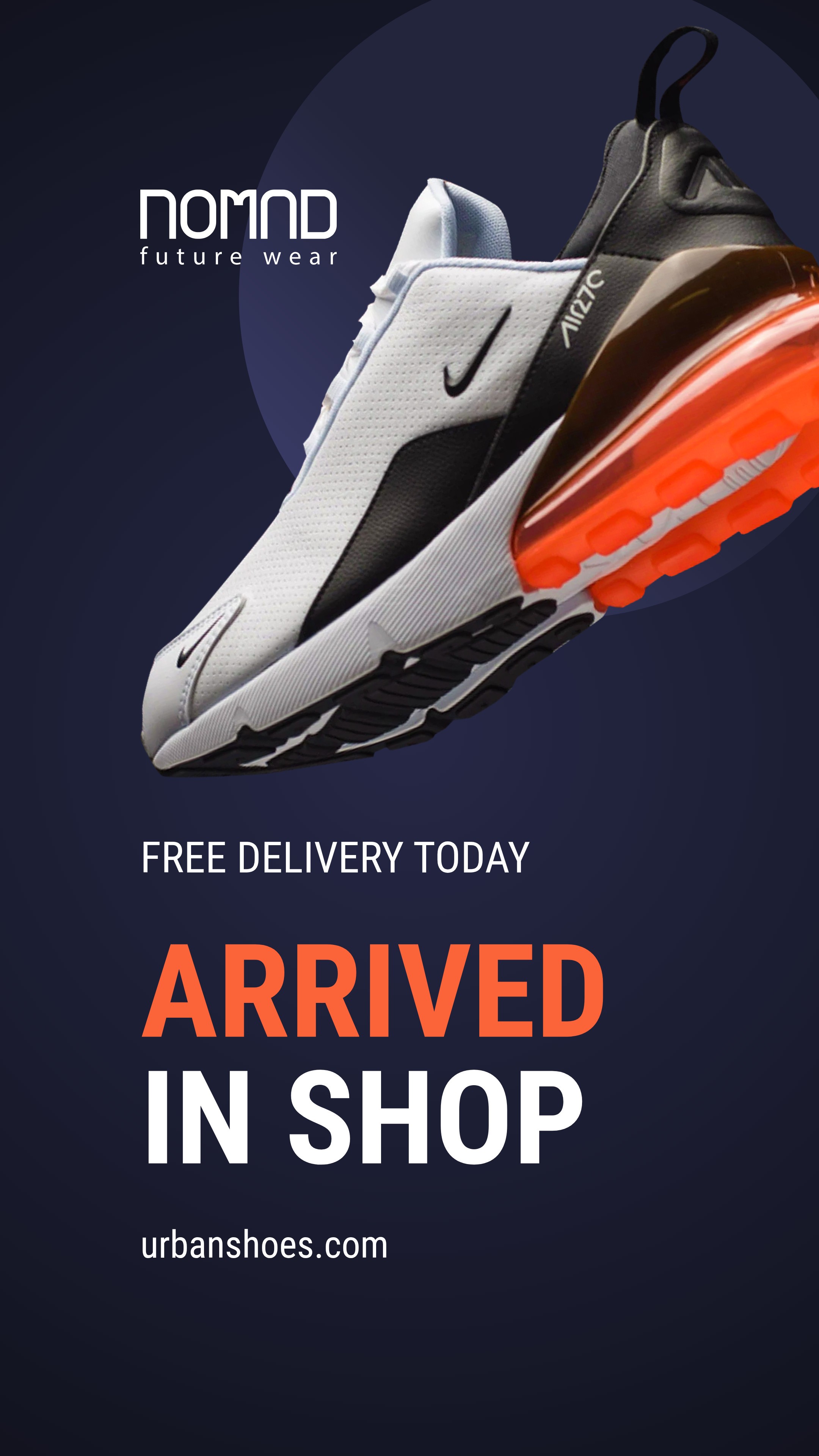
Banner sizes
Start with the right banner size
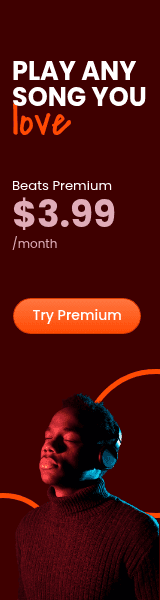
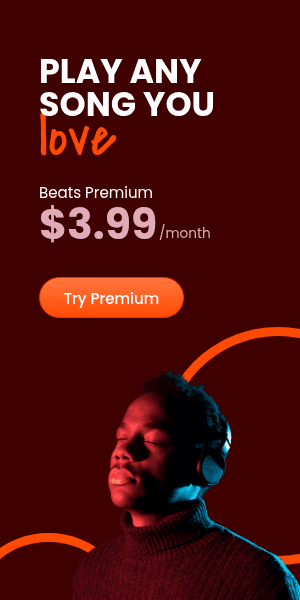
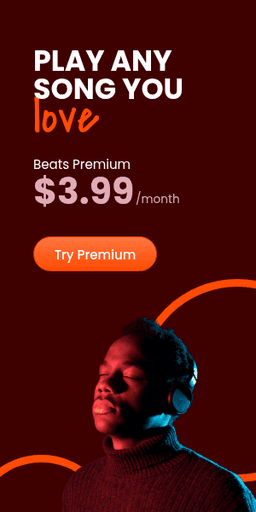
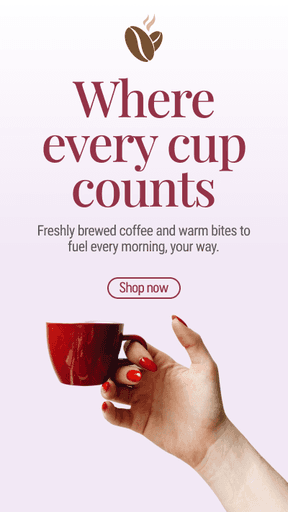
Choose a common display ad size or set custom dimensions for your placement.
BUILT FOR SPEED
Everything you need to design at scale
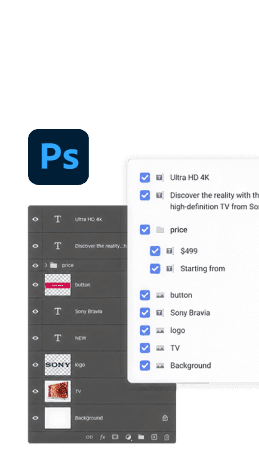
Stock libraries, brand assets, PSD imports, and integrations built for fast ad production.
More ways to create
Create banners for your channels
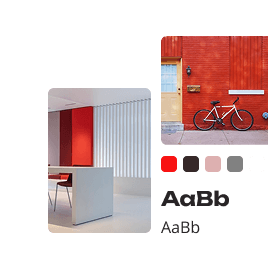
Find a starting point for your channel art, profile banner, or cover image.
FOR EVERY WORKFLOW
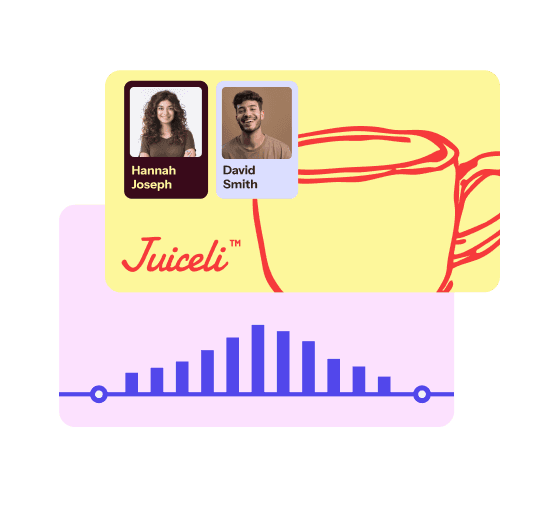
From solo designers to global teams
Create, scale, and deliver banner campaigns at any size.
" height="29.437600000000003px" id="kGsO7ZNko" transform="translate(7.969 16.781)" width="47.06245px"/></g></svg>)
" width="48px"><path d="M 24 12 C 14 12 8.5 12 0 12 C 0 5.373 5.373 0 12 0 C 18.627 0 24 5.373 24 12 Z" fill="rgb(246, 58, 59)" height="12px" id="cx1LqrJDj" transform="translate(0 16)" width="24px"/><path d="M 24 12 C 14 12 8.5 12 0 12 C 0 5.373 5.373 0 12 0 C 18.627 0 24 5.373 24 12 Z" fill="rgb(246, 58, 59)" height="12px" id="yWIbhKALx" transform="translate(24 16)" width="24px"/><path d="M 0 8 C 0 3.582 3.582 0 8 0 C 12.418 0 16 3.582 16 8 C 16 12.418 12.418 16 8 16 C 3.582 16 0 12.418 0 8 Z" fill="rgb(246, 58, 59)" height="16px" id="Kfea_Ku59" transform="translate(4 0)" width="16px"/><path d="M 0 8 C 0 3.582 3.582 0 8 0 C 12.418 0 16 3.582 16 8 C 16 12.418 12.418 16 8 16 C 3.582 16 0 12.418 0 8 Z" fill="rgb(246, 58, 59)" height="16px" id="IO2FDW4ob" transform="translate(28 0)" width="16px"/></g></svg>)

" width="46px"><path d="M 16 0 L 8 0 L 0 32 L 8 32 Z" fill="rgb(82, 71, 235)" height="32px" id="gzHtgnXvz" transform="translate(15 0)" width="16px"/><path d="M 14 0 L 6 0 L 0 12 L 6 24 L 14 24 L 8 12 Z" fill="rgb(82, 71, 235)" height="24px" id="M7tyDFq4U" transform="translate(0 4)" width="14px"/><path d="M 0 24 L 8 24 L 14 12 L 8 0 L 0 0 L 6 12 Z" fill="rgb(82, 71, 235)" height="24px" id="MRgsLxcp4" transform="translate(32 4)" width="14px"/></g></svg>)

LEGACY
The original banner maker
18 years building reliable banner production workflows.

FEATURED SOFTWARE
14.7K
TOTAL CUSTOMERS


RATING
4.6 / 5 - 170 reviews
“I personally loved how easy everything was.”
Being able to choose from a wide range of ad networks and formats like (HTML5, video, static images, etc.) Not just ad tags makes it really flexible and saves time when prepping assets for reviews.
How to make a banner?
To make a banner, choose the size your placement needs, then build the layout: a background, one main image, a short headline, and a call-to-action button. Add your logo and brand colors, animate if the placement allows motion, and export as JPG or PNG (static) or as GIF, MP4, or HTML5 (animated). In Bannersnack, Smart Resize then adapts that one design to 50+ sizes, keeping the layout and carrying animations over.
What is a standard banner size?
A standard banner size for digital display ads is 300 x 250 pixels, the Medium Rectangle, one of Google's top-performing sizes: it tends to have more ad inventory and works well inside article content. Other standard sizes include 728 x 90 (Leaderboard), 300 x 600 (Half Page), 160 x 600 (Wide Skyscraper), and 320 x 50 (Mobile Leaderboard). Bannersnack lets you start from a size preset or saved custom size, then build the full set.
What is a banner?
A banner is a rectangular graphic that carries a short message, usually a headline, an image, and a call to action. Online, a banner ad is a static image, animated GIF, or HTML5 ad in a fixed size that opens a landing page when clicked. The term also covers social media headers and printed signs. Bannersnack exports banners as JPG, PNG, GIF, MP4, HTML5, and AMPHTML files for ad networks and websites.
Are there any limitations with online banner generators?
Yes, online banner generators have limitations: shared templates make designs look alike, typography and layer controls are often shallow, and free plans rarely include HTML5 export, with some adding a watermark or limiting you to JPG and PNG. General design tools also stick mostly to preset animations. From the Pro plan up, Bannersnack adds an animation timeline with custom easing, custom font uploads, and Smart Resize, and every plan includes PSD import.
Can a banner generator create animated banners?
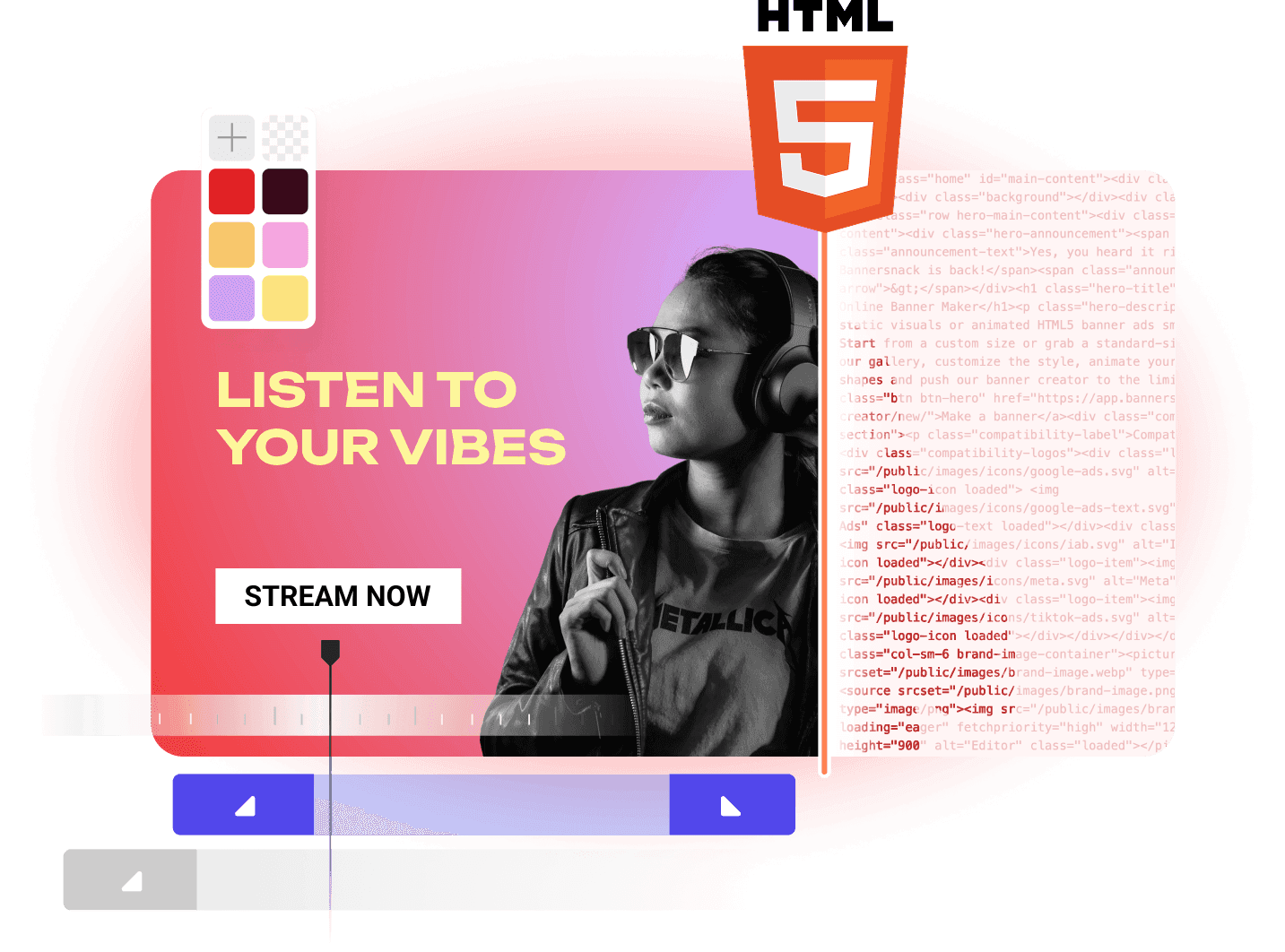
Yes, a banner generator can create animated banners when it supports animation and exports GIF, MP4, or HTML5. Dedicated banner tools add a timeline for setting when each layer enters and exits. For display ads, Google Ads caps animation at 30 seconds, and the IAB guideline is 15. Bannersnack pairs one-click Magic Animator with a layer timeline and exports animated HTML5, GIF, and MP4 on the Pro plan and higher.
Do I need design or coding skills to create banners?
You don't need coding skills to create banners, and templates let anyone assemble a basic one, but design skills decide how well a banner performs. Hierarchy, contrast, and legible type at 320 x 50 pixels are still design decisions. Banner tools save the most time on production work: resizing and exporting full sets. Bannersnack leaves creative decisions with the designer and handles that production work through Smart Resize and the Design Generator.
What are the best practices for banner design?
The best practices for banner design are one message per banner, a clear hierarchy (headline, supporting line, call-to-action button), and high contrast between text and background. Keep type legible at the smallest size, keep logos and copy away from the edges, and stay within network file limits, such as the Google Ads 600 KB cap on HTML5 ZIP files. Bannersnack's Smart Resize helps keep that hierarchy consistent across 50+ sizes.
What features to look for in a banner maker?
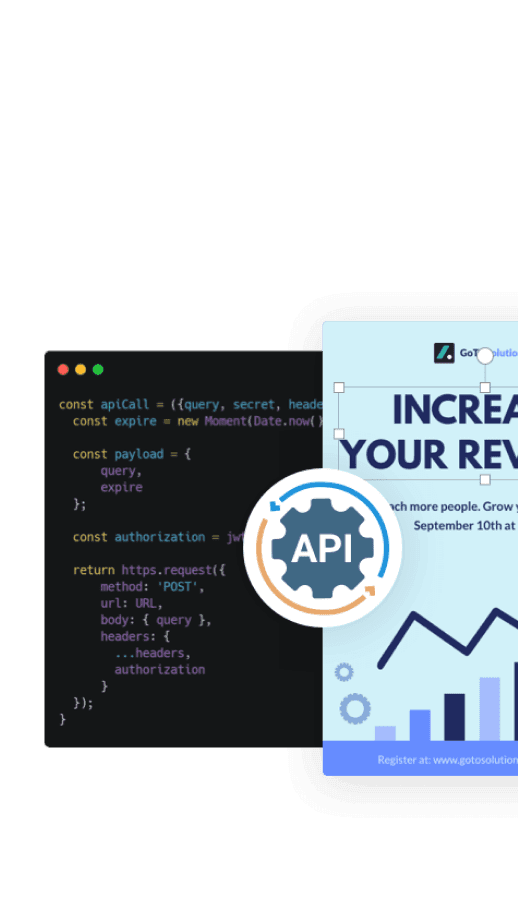
The features to look for in a banner maker are HTML5 export with clickTag support, multi-size generation from one design, a layer timeline for animation, and brand controls such as custom fonts and colors. From the Pro plan, Bannersnack covers these with Smart Resize, a layer timeline, brand libraries, and clickTag-ready HTML5 and AMPHTML export; AdTag, a paid add-on on Plus and Team plans, serves ads through 75+ ad networks, including Google Ad Manager, DV360, and Campaign Manager 360.